
 Japanese
  English (United States)
  Spanish
  French
  Turkish
  Ukrainian
  Russian
  Korean
  German
  Dutch
Dutch  Hungarian
  Polish
  Italian
  Indonesian
  Portuguese
  Arabic
  English (UK)
Buy a face recognition camera and it is easy to assume the intelligence lives inside the camera itself. In most real deployments it doesn’t. The camera detects, captures, and produces a faceprint — as covered in our guide on how a face recognition camera works — but the face database, the search tools, and most of the alarm logic actually live on the recorder. Get the NVR side wrong and even the best camera on the market becomes a device that only sees faces, never really knows them. This guide explains exactly how an AI NVR stores, manages, and searches a face database, what “1,000 faces” or “5,000 faces” actually means in practice, and how to size one correctly before you buy.
Key Takeaways
- An AI NVR — not the camera — is where the face database actually lives: enrolment, storage, search, and list-based alarm logic all run on the recorder.
- Capacity depends on how the system is managed: an AI NVR such as the LS-AIN1204P holds up to 1,000 enrolled faces, while managing the same cameras through VMS software instead raises that ceiling to up to 5,000 faces.
- Faces can be enrolled one at a time or through batch import, and searched later either by a person’s name or by uploading a reference photo — not just by scrubbing through video.
- Hybrid mode lets a single NVR mix AI-enabled channels with ordinary monitoring channels, so you don’t need a dedicated face-recognition recorder for every camera on site.
- The same recorder that manages a face database, such as the LS-AIN1204P, can also handle license-plate capture on other channels — useful where a site needs both people and vehicles identified from one box.
What Is an AI NVR with a Face Database?
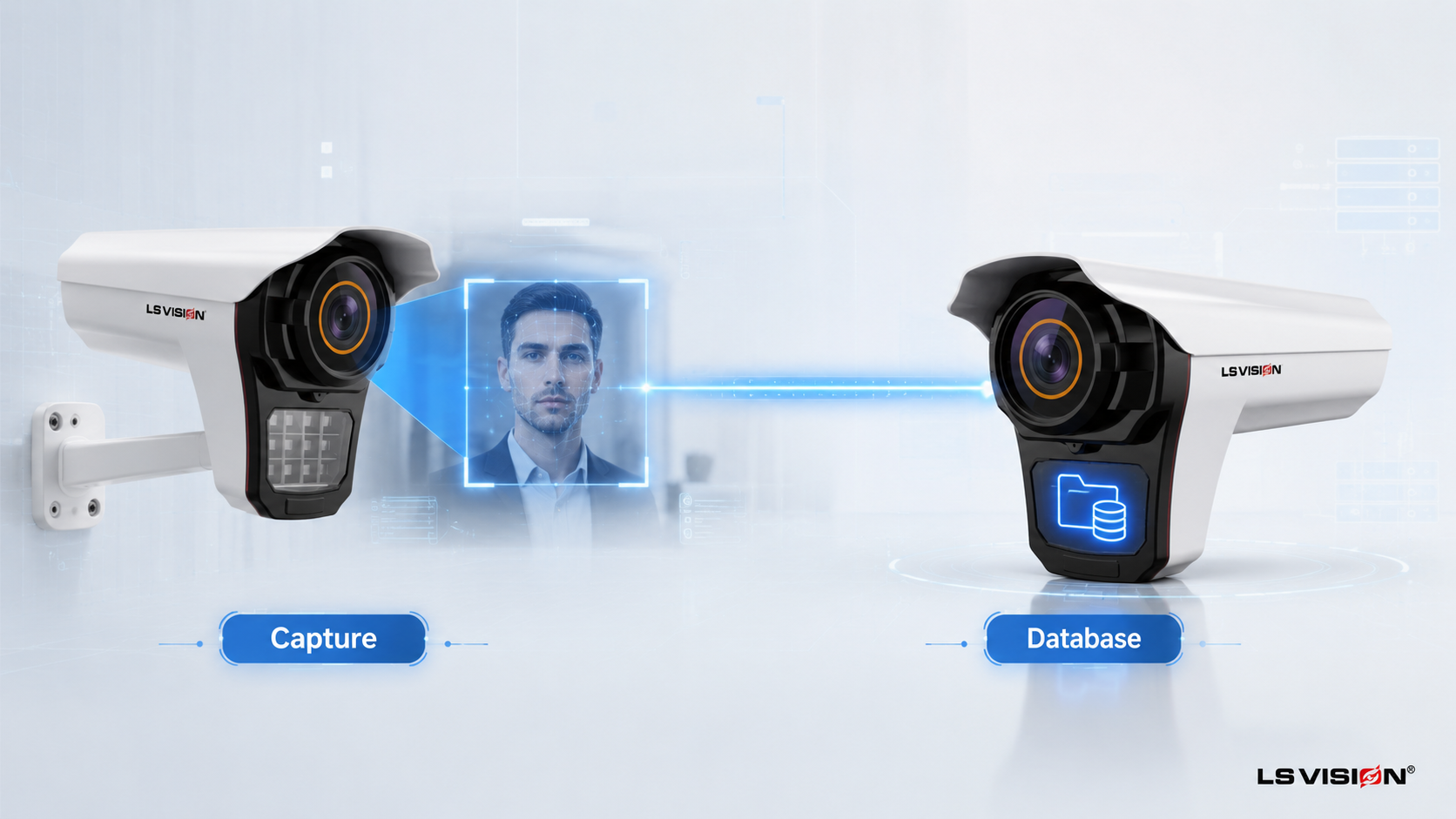
An AI NVR (network video recorder) with a face database is a recorder that does more than store footage — it holds a searchable library of enrolled faces, runs the comparison logic that matches a live camera feed against that library, and manages the resulting alarms and search tools. The camera upstream — for example the LS-FRC-B0501 face recognition camera — still does the detection and capture; the NVR is where that captured face becomes a record you can name, search, and act on.
This distinction matters for anyone speccing a system, because it changes what you should actually be comparing when you shop. Two cameras with identical sensors can produce very different real-world results if one is paired with a basic recorder and the other with a proper AI NVR — the camera supplies the eyes, but the NVR supplies the memory and the judgement.
A recorder built for this job, such as the LS-AIN1204P, adds several capabilities a standard NVR doesn’t have: 10-channel face capture and recognition, a built-in face library, batch enrolment tools, hybrid operating modes, and — on the same unit — license-plate capture and retrieval, which is worth knowing if a site will eventually need vehicle recognition alongside face recognition.
How Does a Face Get Into the NVR’s Database?
Before the system can recognise anyone, a person has to be enrolled — and how that enrolment happens affects both accuracy and how practical the system is to roll out.
Manual, one-by-one enrolment
For a small roster — staff, a handful of VIPs, a short watchlist — faces are typically enrolled individually, directly through the NVR’s interface, each paired with a name or ID. This gives the cleanest results because each entry can be checked for a sharp, front-facing, well-lit reference image before it’s saved.
Batch import for larger rosters
Rolling out a system for a hundred employees one photo at a time isn’t realistic, which is why the LS-AIN1204P supports rapid database entry directly from captured faces on the page as well as batch import of existing photos. This is the practical path for onboarding an entire staff list, a resident directory, or an existing watchlist in one pass rather than enrolling people as they happen to walk past a camera.
Why enrolment quality still matters more than the tool
Regardless of which method you use, the reference photo is what everything else is measured against. A blurry, angled, or poorly-lit enrolment image will produce weaker matches no matter how good the batch-import tool is — the database is only as reliable as the faces that went into it.
How Does the NVR Manage and Search a Face Database?
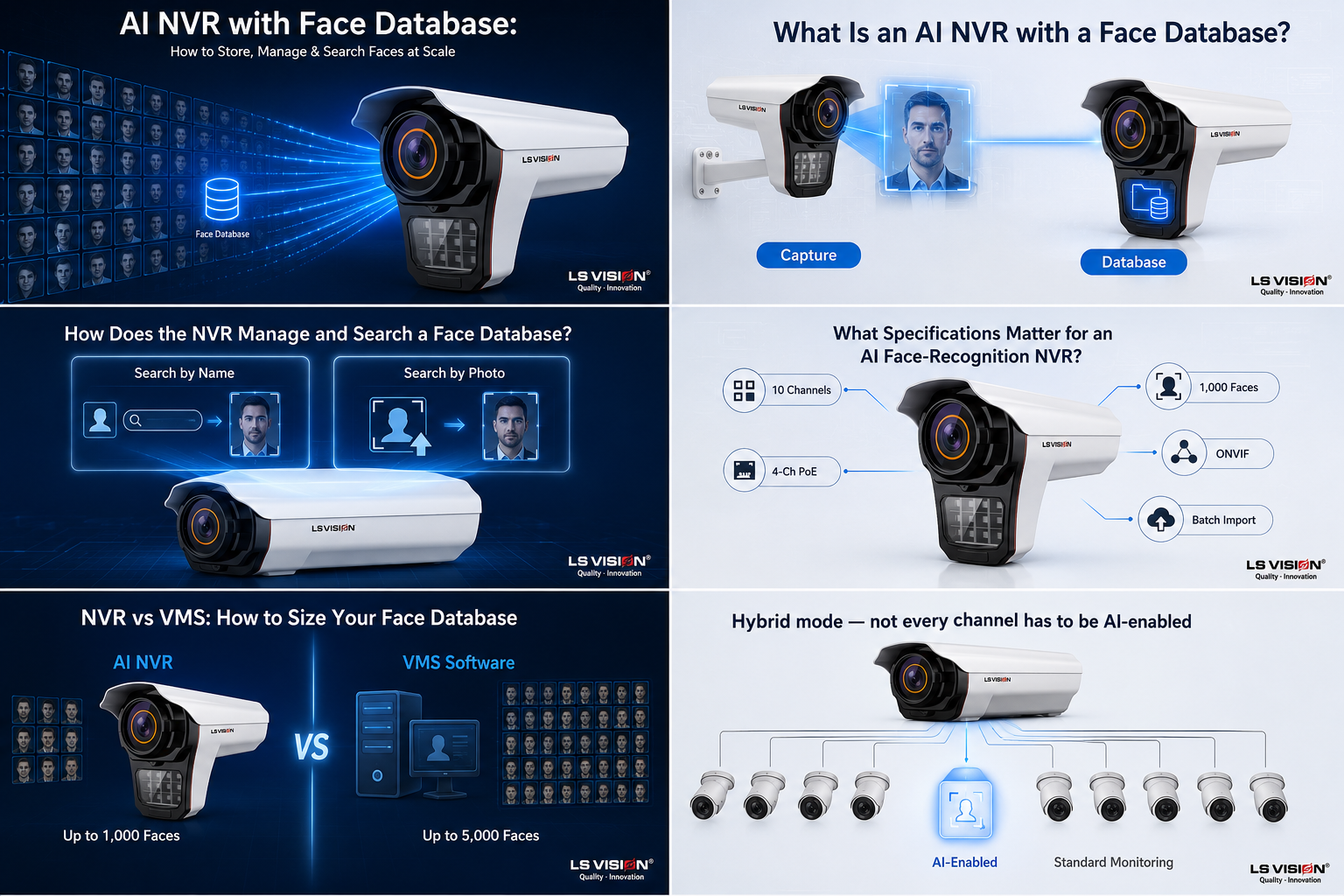
Once faces are enrolled, the real value of an AI NVR is what it lets you do with that library afterwards.
Search by name
If you know who you’re looking for, you can query the database by the enrolled person’s name and pull every recorded appearance — every time that face was captured, at which channel, and when — instead of manually scrubbing hours of footage across multiple cameras.
Search by face image
If you don’t know a name but have an image — a snapshot from another camera, a photo from a report — the NVR can search by face image instead, matching that photo against both the enrolled database and, on some systems, historical recognition events. This is the search mode most useful for investigations after an incident, when you’re starting from a face, not a name.
License-plate retrieval on the same recorder
Because the LS-AIN1204P also supports 10-channel license-plate capture when paired with a license-plate camera such as the LS-LPC1502, the same search-and-retrieval logic extends to vehicles: real-time plate snapshot preview, plate image retrieval, and plate-linked video recording, all from the same interface used for face search. For a site that needs to correlate “who” with “what vehicle,” this single-NVR approach avoids running two disconnected systems.
Hybrid mode — not every channel has to be AI-enabled
A detail that often gets missed in spec sheets: the LS-AIN1204P’s hybrid mode lets you connect up to 10 ordinary cameras and choose which single channel does the AI face (or plate) recognition work, while the rest of the channels run as standard monitoring. This means a site doesn’t need every camera to be a face-recognition model to get face database functionality — one recognition-capable camera on the recognition-critical entrance, and ordinary cameras everywhere else, all managed from the same box.
What Specifications Matter for an AI Face-Recognition NVR?
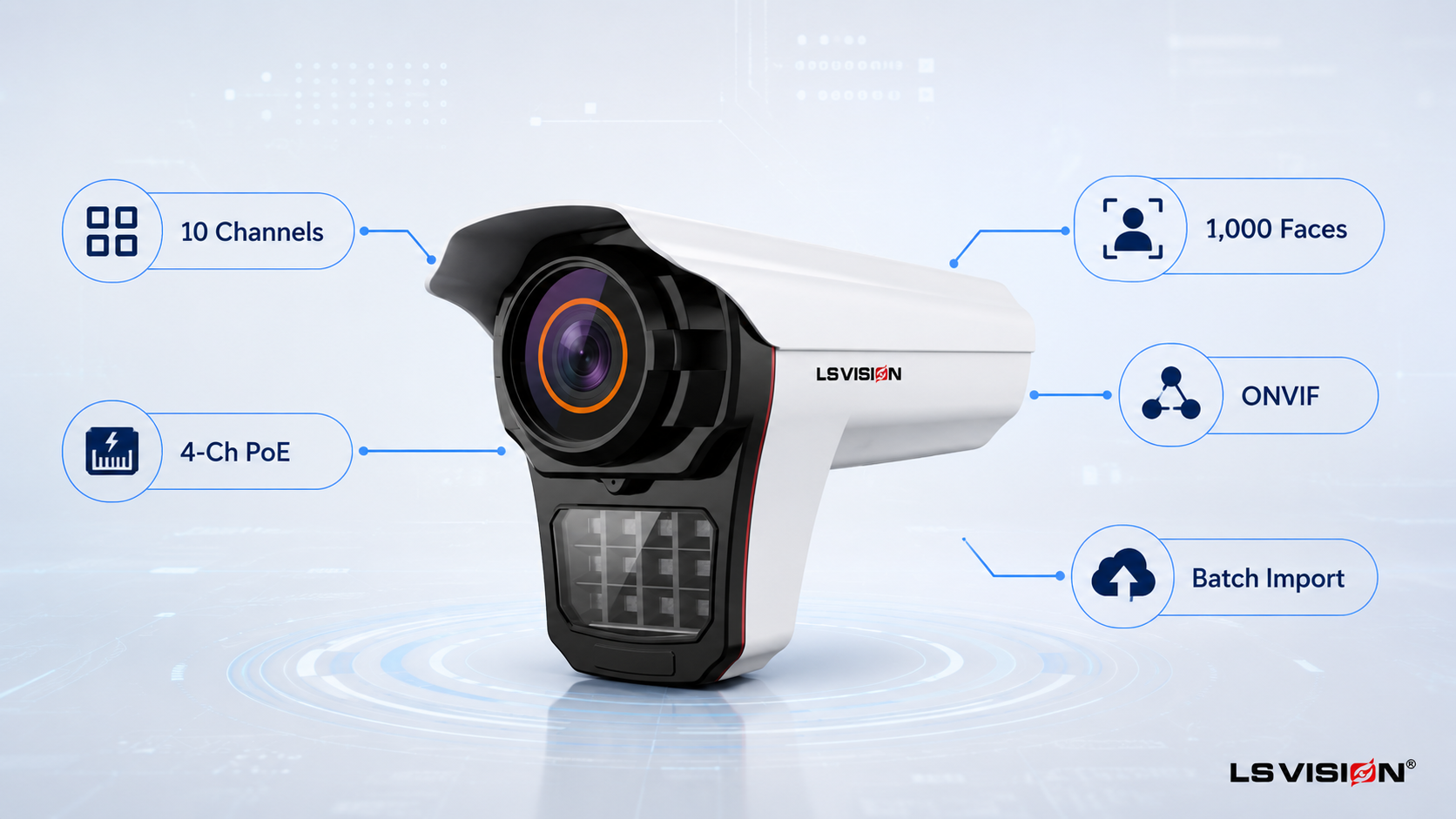
| 仕様 | LS-AIN1204P — and why it matters |
| Channels | 10CH video input (8MP/5MP/4MP/3MP/2MP) — enough for a mid-size site from one recorder. |
| PoE | Built-in 4CH PoE (IEEE 802.3at/af) — direct power for up to 4 IP cameras, no separate injector needed. |
| Face recognition channels | Supports 10CH face capture and recognition (each requires a paired face recognition camera). |
| Face database capacity | Up to 1,000 faces via the NVR itself; up to 5,000 faces when the same cameras are managed through VMS software instead. |
| License-plate capture | Supports 10CH license-plate capture (each requires a paired LPR camera) with real-time snapshot preview and plate-linked video retrieval. |
| Enrolment tools | Rapid on-page face capture entry plus batch import — practical for onboarding a full staff or resident list. |
| Search | By person’s name or by uploaded face image, across recorded video. |
| Hybrid mode | Mix AI-enabled and standard monitoring channels on the same 10-channel recorder. |
| プレイバック | 1CH 8MP or 2CH 5MP simultaneous playback. |
| Storage | Mini 1U chassis, 2 SATA interfaces (capacity depends on the drives fitted), 2 USB ports. |
| Connectivity | 1× RJ45 10M/100M, 1× HDMI/VGA output, ONVIF protocol support for third-party integration. |
| Access | Local monitor, computer client, and mobile app playback and preview. |
| パワー | DC48V. |
NVR vs VMS: How to Size Your Face Database
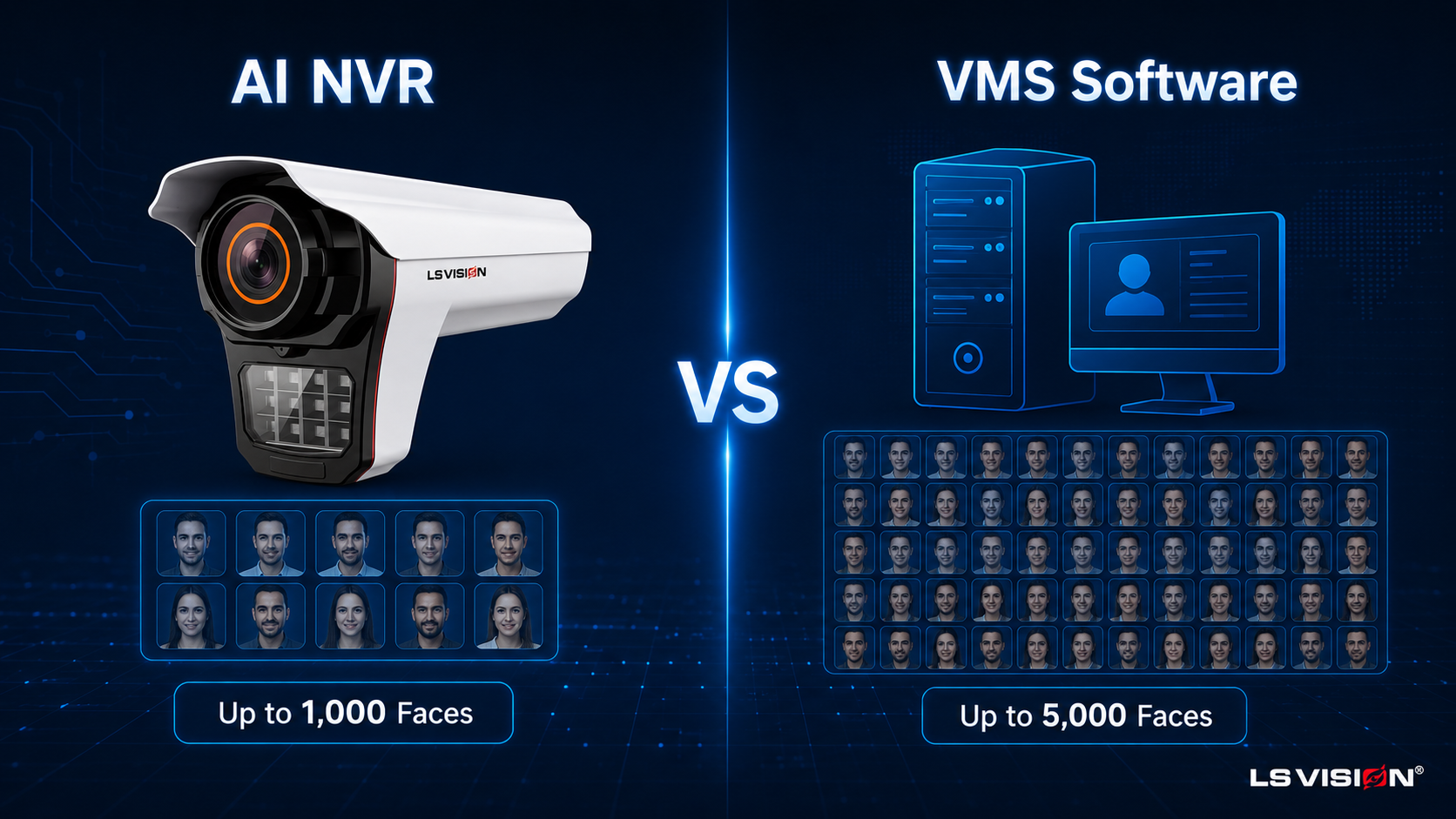
The single biggest sizing decision is not which camera to buy — it’s whether to manage your face database through the standalone NVR or through VMS (video management system) software instead. Both use the same cameras; the difference is where the database and matching logic run, and how large that database can grow.
| Aspect | Managed via AI NVR | Managed via VMS Software |
| Face database capacity | Up to 1,000 faces | Up to 5,000 faces |
| Best for | Single-site deployments, smaller rosters | Larger rosters, multi-building or growing sites |
| Setup complexity | Simpler — self-contained recorder, local UI | Requires a server or PC running VMS software |
| Local hardware footprint | Just the NVR unit | NVR plus a server/PC for the VMS layer |
| Typical use case | A single office, retail location, or gated entrance | A corporate campus, large residential complex, or multi-site rollout planned to scale |
If your roster today is under a few hundred people and unlikely to grow past 1,000, the standalone NVR is the simpler, lower-cost path. If you already know the deployment will expand — additional buildings, a growing resident list, a franchise rolling the same setup out to more locations — specifying VMS management from the start avoids re-architecting the system later, since migrating an already-live NVR-managed database to VMS mid-deployment means re-enrolling.
How to Choose the Right NVR Setup: A Practical Checklist
- Count your real roster size now, and realistically project it two years out — this single number decides NVR vs VMS more than any other factor.
- Decide how many channels actually need face recognition; use hybrid mode to keep the rest as standard monitoring instead of paying for AI on every channel.
- Plan enrolment as a batch-import exercise for existing rosters, not a one-by-one task done camera-side after go-live.
- If vehicle identification is also needed at the same site, confirm the NVR supports paired license-plate channels so you’re not running two separate recorders.
- Check storage sizing (drive capacity via the SATA interfaces) against your channel count and retention requirements before installation, not after.
- Decide your search habits in advance — if investigations will typically start from a photo rather than a name, confirm a search-by-face-image is available and test it during commissioning.
Related Solutions for a Complete Face Database Deployment
The database is only half the system — it needs a capture-side camera and, in many deployments, an alarm-linkage layer on top. These are designed to work together:
- LS-FRC-B0501 Face Recognition Camera — the detection and capture front end that feeds the NVR’s database, tracking up to 6 faces per frame.
- LS VISION face recognition NVR system — explore this recorder’s full specification sheet and confirm current database capacity with our team before ordering.
- LS-LPC1502 License Plate (LPR/ANPR) Camera — pair with the same NVR to add vehicle identification on other channels.
Already have your database sized but need the alarm side worked out? Our guide on black and white list alarm linkage explains how the same database drives real-time watchlist alerts.
Not sure whether NVR or VMS management fits your roster? Tell us your current headcount and expected growth over the next two years, and our engineers will recommend the right setup and send a factory-direct quote. Browse the full facial recognition security camera range to compare models.
結論
The camera sees a face; the AI NVR is what turns that into a name, a record, and a searchable history. Get the enrolment process right, size the database honestly against your real roster — 1,000 faces on a standalone NVR, up to 5,000 through VMS software — and use hybrid mode to avoid over-specifying AI channels you don’t need, and the recorder becomes the part of the system that actually delivers the value the camera alone can’t.
FAQs
How many faces can an AI NVR store?
An AI NVR such as the LS-AIN1204P holds up to 1,000 enrolled faces. Managing the same cameras through VMS software instead raises that capacity to up to 5,000 faces — the choice depends on your roster size, not the camera itself.
Can I add faces in bulk instead of one at a time?
Yes. Beyond enrolling faces individually, the NVR supports batch import and rapid on-page capture entry, which is the practical route for onboarding an existing staff list, resident directory, or watchlist in one pass.
Can I search for a person without knowing their name?
Yes. Alongside searching by an enrolled person’s name, the system supports search by face image — upload a reference photo and the NVR matches it against the database and recorded events, which is useful when an investigation starts from a photo rather than an identity.
Does every camera on the NVR need to support face recognition?
No. Hybrid mode lets you connect up to 10 ordinary cameras and enable AI face (or plate) recognition on only the channels that need it, while the rest run as standard monitoring — you don’t need to replace every camera on site to get a face database.
Can the same NVR handle license plates as well as faces?
Yes. The LS-AIN1204P supports 10-channel license-plate capture alongside face recognition, with real-time plate snapshot preview and plate-linked video retrieval, when paired with a license-plate camera on the relevant channels.
What happens if my roster grows past the NVR’s capacity?
You have two options: keep the standalone NVR and stay within its 1,000-face limit, or move database management to VMS software, which raises the ceiling to 5,000 faces. Planning for this before go-live avoids re-enrolling your entire roster later.
