
 English (United States)
  Spanish
  French
  Turkish
  Japanese
  Ukrainian
  Russian
  Korean
  German
  Dutch
Dutch  Hungarian
  Polish
  Italian
  Indonesian
  Portuguese
  Arabic
  English (UK)
If you sell or distribute solar security cameras, one question decides half your catalogue: 4G or Wi-Fi? Both run on the sun and skip mains power. The difference is how they get online. A 4G camera uses a cellular SIM, so it works anywhere with a mobile signal. A Wi-Fi camera uses a local router, so it works wherever the network reaches. Get this match right, and your customers stop returning cameras that “won’t connect.”
This guide breaks down 4G vs Wi-Fi solar cameras for buyers, not just end users. You will see how each connects, the real power and cost differences, the LTE band trap that causes returns, and exactly which customers need which camera — so you stock the right mix and win more repeat orders.
Quick Answers
Q: What is the difference between a 4G and a Wi-Fi solar camera?
A: A 4G solar camera connects through a cellular network with a SIM card. A Wi-Fi solar camera connects through a local router. Both charge from solar and run wire-free.
Q: Which one should I sell for remote sites?
A: 4G. It works with no Wi-Fi and no power — ideal for farms, construction sites, remote gates, and off-grid property.
Q: Which one should I sell for homes, villas, and connected sites?
A: Wi-Fi. It uses the customer’s existing internet, needs no data plan, and handles heavy continuous recording well.
Q: Does a 4G camera need a data plan?
A: Yes. It needs an active SIM with a data plan. A Wi-Fi camera uses the site’s internet at no extra cost.
Q: What is the most common cause of 4G camera returns?
A: The wrong LTE band. A 4G camera only works if its version matches the customer’s local carrier bands. Always match the regional version before you ship.
4G vs Wi-Fi Solar Cameras: The Core Difference
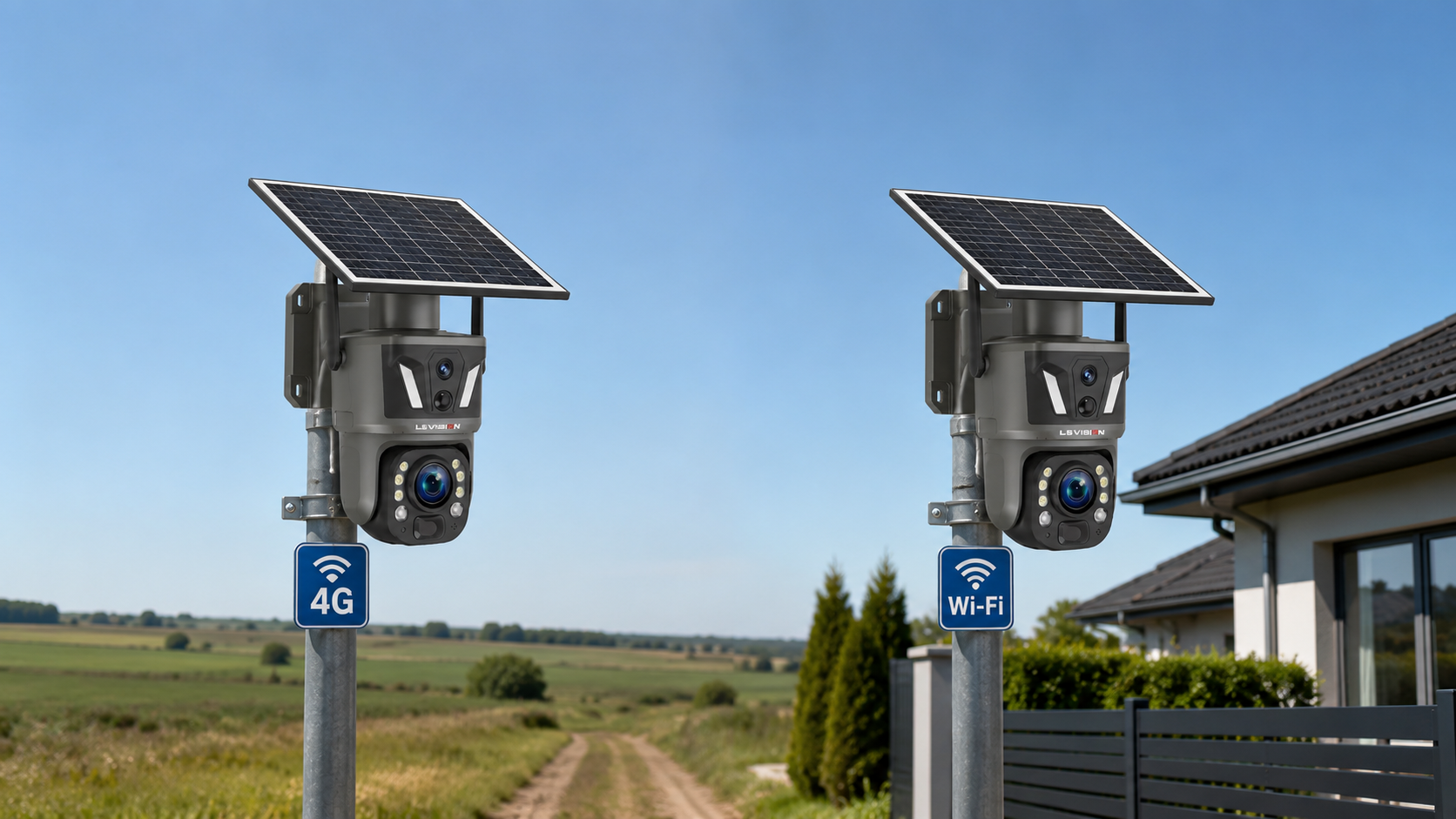
Both camera types solve the same first problem: power. Their solar panel and battery remove the need for mains wiring, so you can place them anywhere. The split happens at connectivity.
A cellular solar camera carries a SIM card and joins a mobile network, exactly like a phone. It sends video, alerts, and two-way audio over 4G LTE. It does not care whether there is a router for miles.
A Wi-Fi solar camera joins a local wireless network. It needs a router within range, and its performance follows that network’s strength and speed.
So the choice is not really “which is better.” It is “where will the camera live, and what is already there?” That single question drives every recommendation below.
How Each One Connects
The connection method changes setup, reliability, and the questions your customers will ask.
| Factor | 4G / cellular solar camera | Wi-Fi solar camera |
| Gets online via | A SIM card on a mobile network | A local Wi-Fi router |
| Setup | Insert SIM, scan QR code, done | Enter Wi-Fi name and password, pair |
| Works with no router | Yes | No |
| Depends on site internet | No | Yes |
| Best signal condition | Good cellular coverage | Strong Wi-Fi within range |
A 4G camera is close to plug-and-play. Your customer inserts a SIM, scans a QR code in the app, and the camera is live. A Wi-Fi camera is just as quick where the signal is strong, but it drops offline the moment it sits too far from the router — which is the top complaint on Wi-Fi units placed at the edge of a property.
4G vs Wi-Fi: The Full Comparison
Here is the side-by-side your sales team can use.
| Factor | 4G solar camera | Wi-Fi solar camera |
| Connectivity | Cellular SIM, works anywhere with signal | Local router, limited to Wi-Fi range |
| Best for | Remote and off-grid sites | Homes, villas, and connected sites |
| Ongoing cost | Needs a SIM data plan | Uses existing internet, no extra fee |
| Continuous recording | Good, but uses more data and power | Handles heavy 24/7 recording well |
| Power draw | Higher (the cellular radio costs energy) | Lower |
| Setup | Plug-and-play with a SIM | Router pairing needed |
| Reliability | Wins in remote areas | Wins in networked areas |
| Region lock | Must match local LTE bands | No band issue |
Read the table as a stocking guide. Neither camera is “better.” Each wins a different job — and a smart distributor carries both so no lead walks away.
When to Sell a 4G Solar Camera
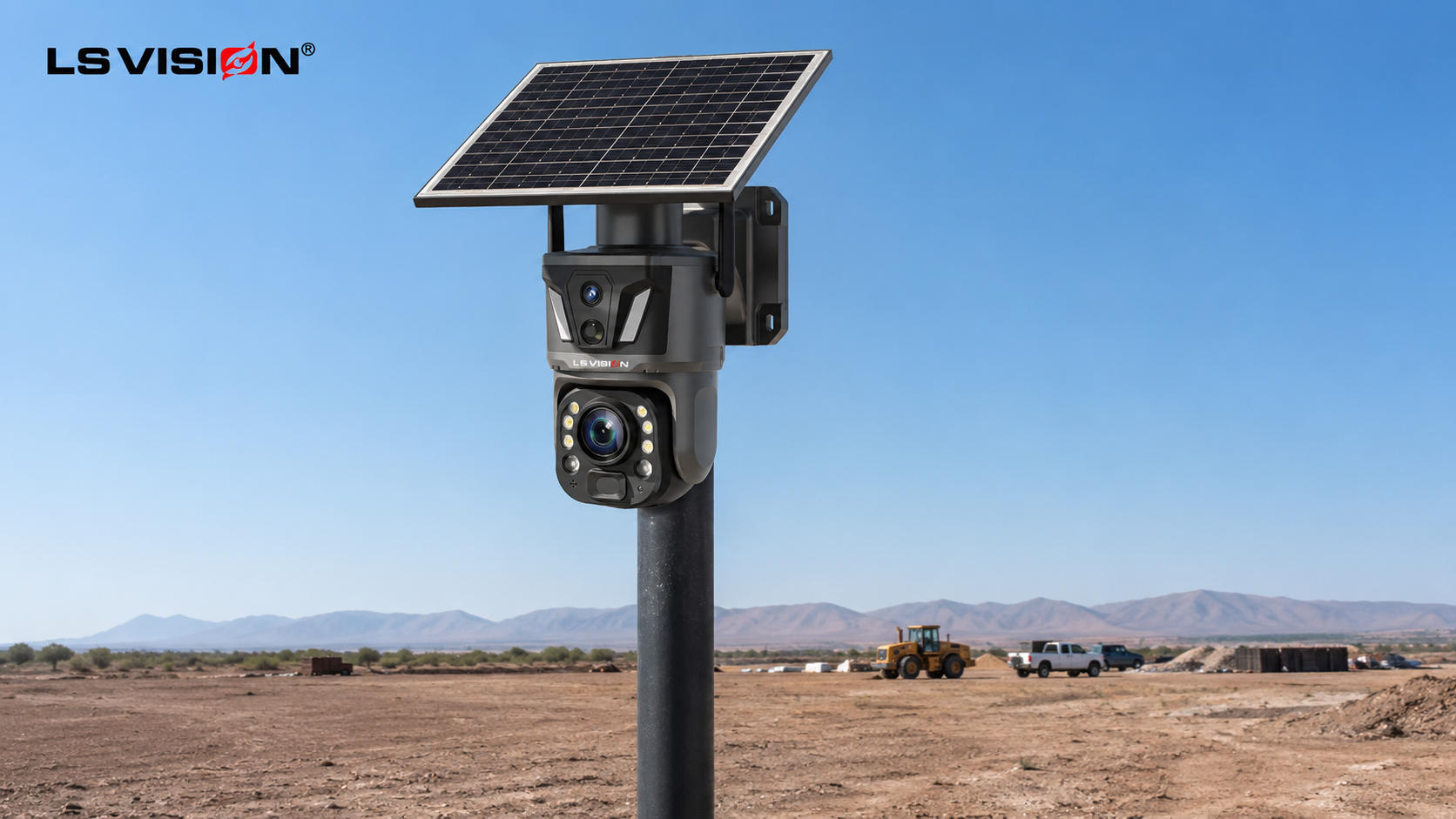
Reach for 4G whenever the site has no reliable Wi-Fi. These are the highest-margin, lowest-competition opportunities, because most cheap cameras cannot serve them at all.
- Farms and ranches — distant gates, fences, livestock, and irrigation lines, far from any router.
- Construction sites — early-stage sites with no power and no internet, where theft is highest.
- Remote property and land — cabins, storage lots, boat yards, and off-grid plots.
- Long-range perimeters — large sites where a customer needs to see detail hundreds of metres away.
For these jobs, a long-range 4G unit like the LS-Z1-50X-4G dual-lens PTZ camera fits perfectly. It pairs 4G connectivity with a 6MP dual-lens design and a 50X zoom that sees clearly at long distance in daylight — so one camera covers a wide area and still reads detail far down a fence line. It runs on a 9W solar panel with a 10,400mAh battery, so it stays online off-grid.
When to Sell a Wi-Fi Solar Camera
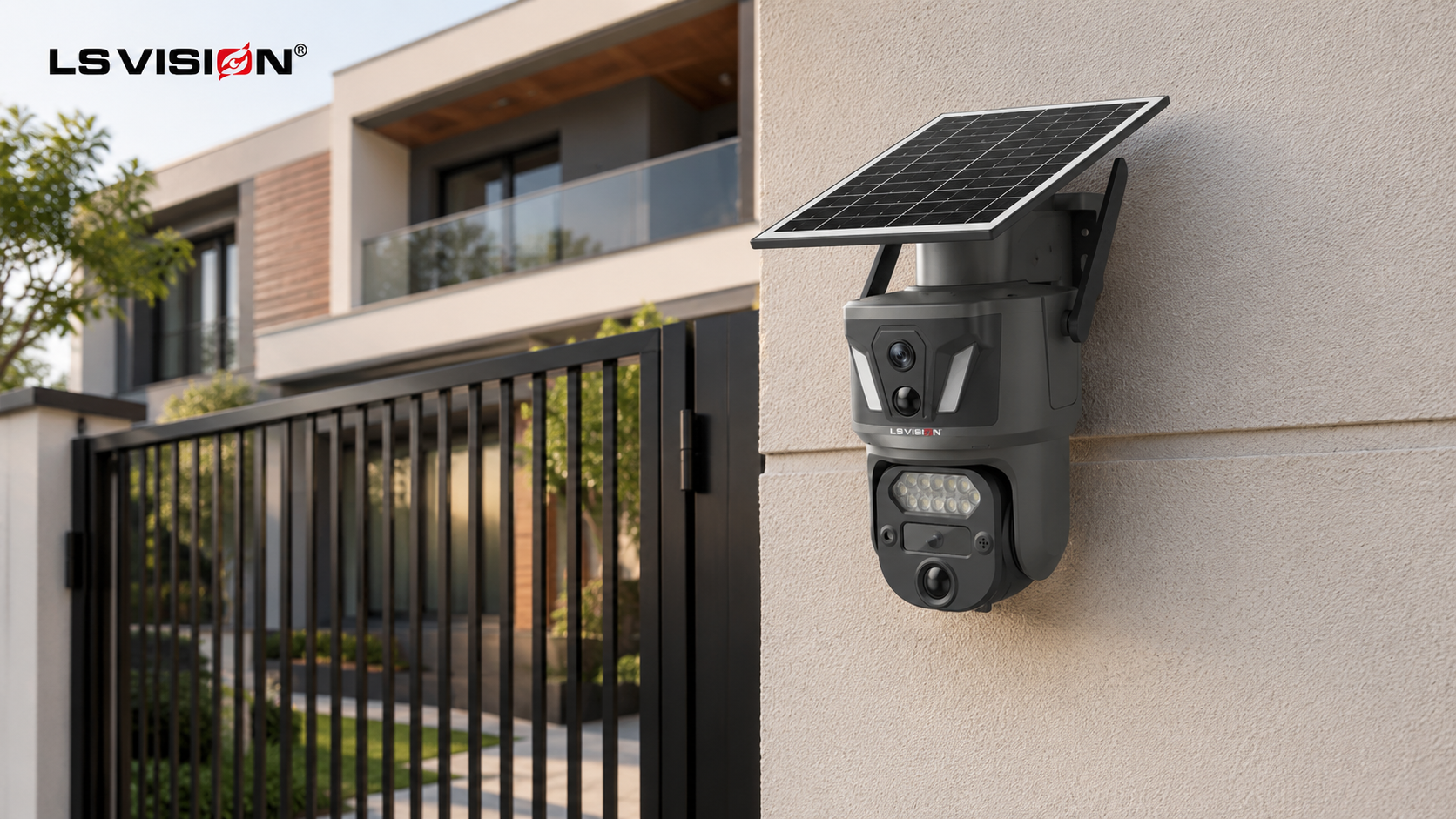
Reach for Wi-Fi when the site already has a strong network and the customer wants heavy, continuous recording without a data bill.
- Homes and villas — driveways, gates, gardens, and yards within router range.
- Compounds and estates — connected sites that want 24/7 coverage with no monthly fee.
- Small businesses — shopfronts, warehouses, and offices with existing Wi-Fi.
Here, an always-on Wi-Fi model like the LS-Z1-AOV solar camera shines. Its AOV (Always-On Video) technology records 24/7 rather than waiting for motion, so nothing is missed — and because it runs over Wi-Fi with no data plan, continuous recording costs the customer nothing extra. A larger 12,000mAh battery keeps it recording for 5 to 7 days on a charge.
The Hidden Factor: Power and Energy Budget
Most 4G-vs-Wi-Fi comparisons stop at data plans and image quality. For a solar camera, that misses the factor that decides whether a project survives winter: power.
A cellular radio costs more energy than a Wi-Fi radio. Every alert, upload, and reconnection draws more from the battery, and 4G is more sensitive to weak signal — a poor connection makes the camera retry and drain faster. So a housing that runs perfectly on Wi-Fi can start dropping offline if you simply swap the radio to 4G and change nothing else.
The practical lesson for you: a 4G solar camera needs a healthier power system than a Wi-Fi one. Match the panel and battery to the connection, not just the camera. This is why quality 4G units ship with a solid battery — the LS-Z1-50X-4G uses 10,400mAh, and the Wi-Fi LS-Z1-AOV uses 12,000mAh to sustain its 24/7 recording. When a customer asks why one model has a bigger battery, this is the answer.
Cost and Data Plans: What Your Customers Will Ask
Price does not end at the camera. The connection has its own running cost, and buyers will ask.
| Factor | 4G solar camera | Wi-Fi solar camera |
| Upfront | Camera only | Camera only |
| Ongoing | SIM data plan (monthly) | None (uses existing internet) |
| Data limits | Set by the SIM plan | Effectively unlimited |
| Best cost fit | Remote sites with no internet | Sites with existing Wi-Fi |
Be upfront about the SIM plan on 4G units. It prevents surprise complaints and builds trust. For remote sites, the data cost is still far cheaper than trenching power and internet to the location — so frame it as the price of going truly wireless.
The LTE Band Trap: The One Thing That Causes Returns
This is the single most important detail for a 4G distributor, and it causes more returns than any feature. A 4G camera only works if its LTE bands match the local carrier’s network. Ship a version built for the wrong region, and the camera simply will not connect — even though nothing is wrong with it.
So confirm the regional version before every shipment. A well-made 4G camera comes in multiple regional builds; the LS-Z1-50X-4G, for example, is available in CN, AS, EU, AU, AM, and JP versions. Match the version to your customer’s country, and the plug-and-play promise holds. Skip this step, and you inherit avoidable returns.
Which Should a Distributor Stock?
The honest answer: both. Each closes a different sale, and stocking only one hands the other half of your market to a competitor. Use your customer’s site to decide.
| Your customer’s site | Recommend |
| Remote, off-grid, no Wi-Fi | 4G solar camera (e.g. LS-Z1-50X-4G) |
| Long-range, large perimeter | 4G with high zoom |
| Home, villa, connected site | Wi-Fi solar camera (e.g. LS-Z1-AOV) |
| Heavy 24/7 recording, has internet | Wi-Fi AOV camera |
| Mixed portfolio of projects | Both, to cover every lead |
The Two Models Side by Side
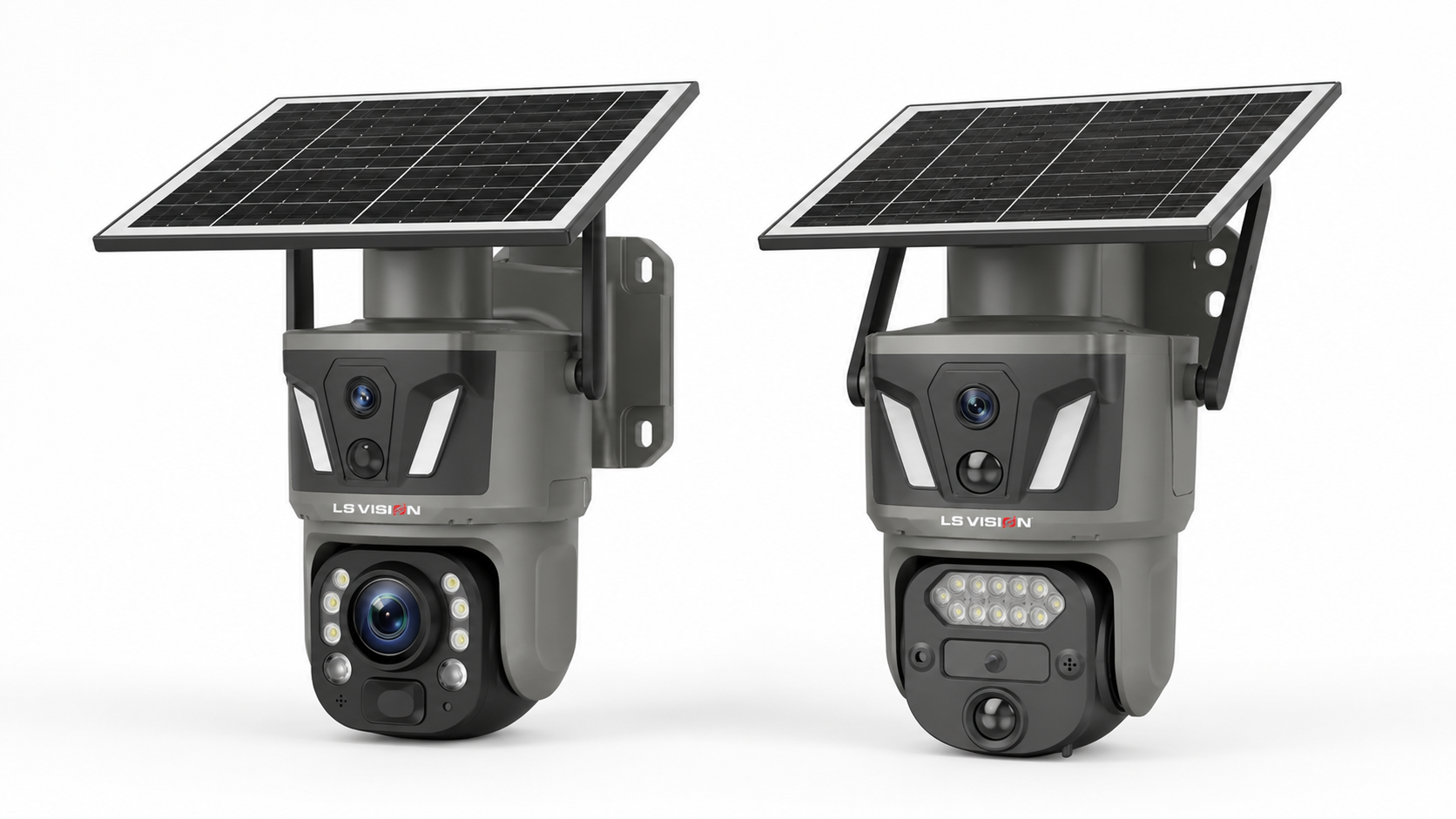
To make stocking simple, here is how the two solar PTZ models compare.
| Spec | LS-Z1-50X-4G (4G) | LS-Z1-AOV (Wi-Fi) |
| Connectivity | 4G LTE (SIM) | Wi-Fi 2.4GHz |
| Lens | Dual-lens, 50X zoom (long range) | Dual-lens, 4mm + 6mm (wide) |
| Recording | PIR + AI motion | AOV 24/7 always-on |
| Battery | 10,400mAh | 12,000mAh |
| Solar panel | 9W | 9W |
| App | UBox | UBoxPro |
| Weatherproof | IP66 | IP66 |
| Best fit | Remote, long-range, off-grid | Connected, continuous recording |
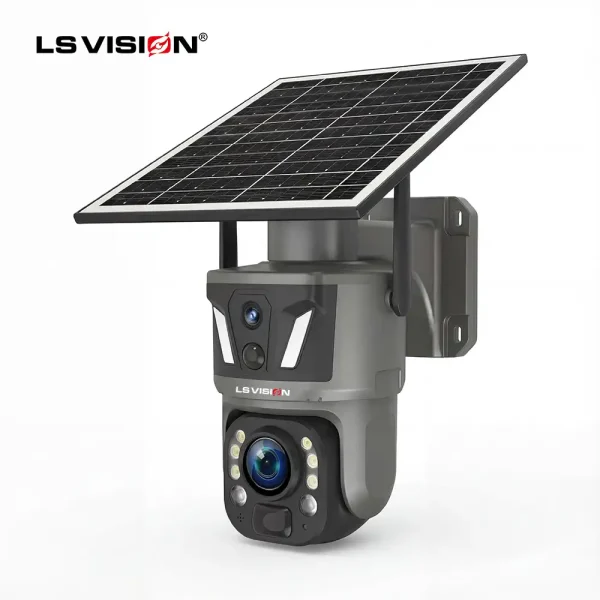
LS-Z1-50X 6MP 50X Zoom Dual Lens Solar PTZ Camera
- Available in 4G or Wi-Fi versions
- LS VISION exclusive private mold, integrated UBox app platform, and a dual-lens long-range surveillance camera design
- 5.3–106mm lens with up to 50X zoom for long-distance daytime viewing
- Intelligent dual-lens auto-tracking: wide lens detects, zoom lens follows the target
- 6MP resolution, 355° pan / 100° tilt
- 10,400mAh battery + 9W solar panel (integrated or separated with 3m cable), 20+ days standby
- PIR + AI human detection to cut false alerts
- Full-color + infrared night vision
- Two-way audio, IP66 weatherproof ABS housing
- TF card up to 256GB plus optional cloud storage
- Suitable for farms, residential properties, construction sites, fence lines, and other off-grid outdoor environments
- Factory direct supply, product quality assurance, on-time delivery, and 24/7 after-sales service
- OEM/ODM available: logo, packaging, color, UI, and firmware
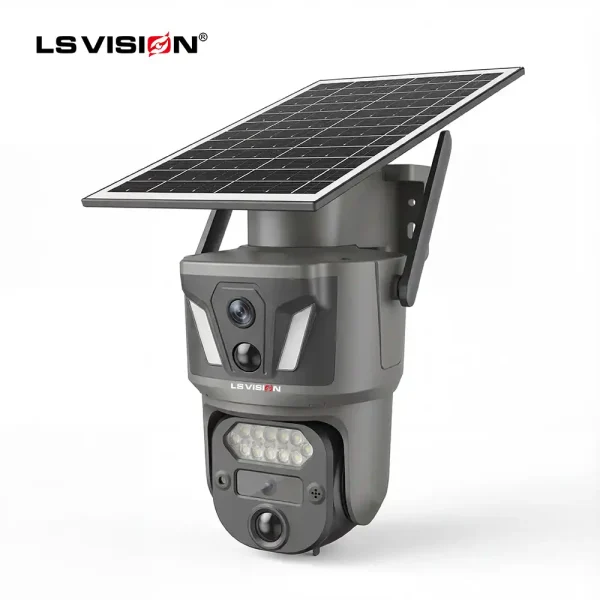
LS-Z1-AOV 6MP Dual-Lens 24/7 Recording Solar Camera
- Dual 3MP Camera
- 2.4GHz Wi-Fi
- PIR + Human Detection
- 355° Pan / 100° Tilt PTZ
- Full Color & IR Night Vision
- Two-Way Audio
- TF Card up to 256GB
- Solar Powered
- IP66 Weatherproof
How to Choose the Right Mix for Your Catalogue
Follow five steps and you will stock the right ratio for your market.
- Map your customers. How many serve remote sites versus connected ones? That ratio sets your 4G-to-Wi-Fi split.
- Check the region’s cellular coverage. Strong nationwide coverage makes 4G an easy sell; patchy coverage shifts you toward Wi-Fi where possible.
- Match the LTE version. Stock the 4G build for your country’s carriers to avoid returns.
- Size the power system. Prefer 4G units with a strong battery, since the cellular radio needs it.
- Offer both connectivity and continuous-recording options. A 4G long-range unit plus a Wi-Fi AOV unit covers most of the market between them.
Get Wholesale 4G and Wi-Fi Solar Cameras
If you distribute or resell solar cameras, stocking both a 4G and a Wi-Fi flagship lets you close every lead instead of half of them. LS VISION manufactures both \u2014 the LS-Z1-50X-4G for remote, long-range, off-grid sites, and the LS-Z1-AOV for connected sites that need 24/7 recording \u2014 with private-mold customisation, custom logo and packaging, and stable wholesale supply.
Tell us your market and the mix you need, and we will send you the B2B wholesale price list and a tailored recommendation.
→ Contact LS VISION for a wholesale quote
Conclusion
4G and Wi-Fi solar cameras are not rivals \u2014 they are two halves of a complete catalogue. Sell 4G where there is no Wi-Fi and no power: farms, construction sites, and remote perimeters. Sell Wi-Fi where the network already reaches and the customer wants heavy, fee-free recording. Remember the power difference, always match the LTE band, and be clear about the SIM plan.
Stock both, match each camera to the site, and you stop losing sales to “it won’t connect” \u2014 and start winning the repeat orders that come from getting it right the first time.
FAQ’s
What is the difference between a 4G and a Wi-Fi solar security camera?
A 4G solar camera connects through a cellular network using a SIM card, so it works with no router. A Wi-Fi solar camera connects through a local router. Both charge from solar and need no mains power.
Which is better for a farm or remote site?
4G. It works where there is no Wi-Fi and no power, so it suits farms, ranches, construction sites, and remote gates. A Wi-Fi camera cannot connect without a nearby router.
Do 4G solar cameras need a data plan?
Yes. A 4G camera needs an active SIM with a data plan to send video and alerts. A Wi-Fi camera uses the site’s existing internet at no extra cost.
Why does a 4G camera use more battery than a Wi-Fi one?
The cellular radio draws more energy than Wi-Fi, and it works harder in weak signal. That is why quality 4G solar cameras ship with a strong battery and solar panel to stay online.
What LTE bands do I need for my country?
It depends on your local carriers. A 4G camera only connects if its version matches those bands, so always order the correct regional build (for example, EU, AS, AM, AU, or JP) for your market.
Can a Wi-Fi solar camera record 24/7?
Yes. A Wi-Fi AOV (Always-On Video) camera records continuously without a data plan, since it uses the site’s internet. This makes Wi-Fi a strong choice for heavy, non-stop recording.
Which should a distributor stock, 4G or Wi-Fi?
Both. Each serves a different customer \u2014 4G for remote and off-grid sites, Wi-Fi for connected ones. Stocking both lets you close every lead instead of losing half your market.
Are these cameras hard to install?
No. A 4G camera is plug-and-play: insert the SIM and scan a QR code. A Wi-Fi camera pairs by entering the network name and password. Both mount without wiring.
Do 4G and Wi-Fi solar cameras use the same app?
They can share an app family. The LS-Z1-50X-4G uses the UBox app and the LS-Z1-AOV uses UBoxPro, so your customers get a consistent experience across both.
